Finding your Windows product key takes about two minutes, and on most Windows 11 and Windows 10 PCs you never needed one in the first place. Open activation settings first: if Windows reports activated with a digital license, the licence is already recorded against your Microsoft account or the machine’s firmware. A 25-character key in the format XXXXX-XXXXX-XXXXX-XXXXX-XXXXX only exists on some machines.
That is why this guide opens with the activation check instead of a command. Nearly every confusing result people hit — a blank line, a key that will not activate, a sticker with no code on it — makes sense the moment you know which kind of licence your PC actually carries.
Everything below was checked against current Windows 11 and Windows 10 builds as of October 2026. Command-line tooling on Windows changes more often than most guides admit, so the last-updated stamp matters on this page.
What You Need
Three things, and you probably already have the first two:
- Access to the licensed PC. Not administrator rights at this stage — just the ability to sign in and open Settings. Administrator rights only come into play when you run the command-line methods.
- Your Microsoft account email and password. The same account the machine was signed into with, if you know it. This is where digital licences live.
- One old record. A purchase email, a retailer invoice, the printed box, or a photograph of the OEM sticker on the base of the laptop. Any one of these settles the question when Windows cannot.
A genuine product key uses only 25 characters from the set BCDGHJKMPQRTVWXY2346789, printed in five blocks of five. Letters that look similar — zero and O, one and L — are not in the alphabet, which is a quick way to spot a fake.
Step-by-Step
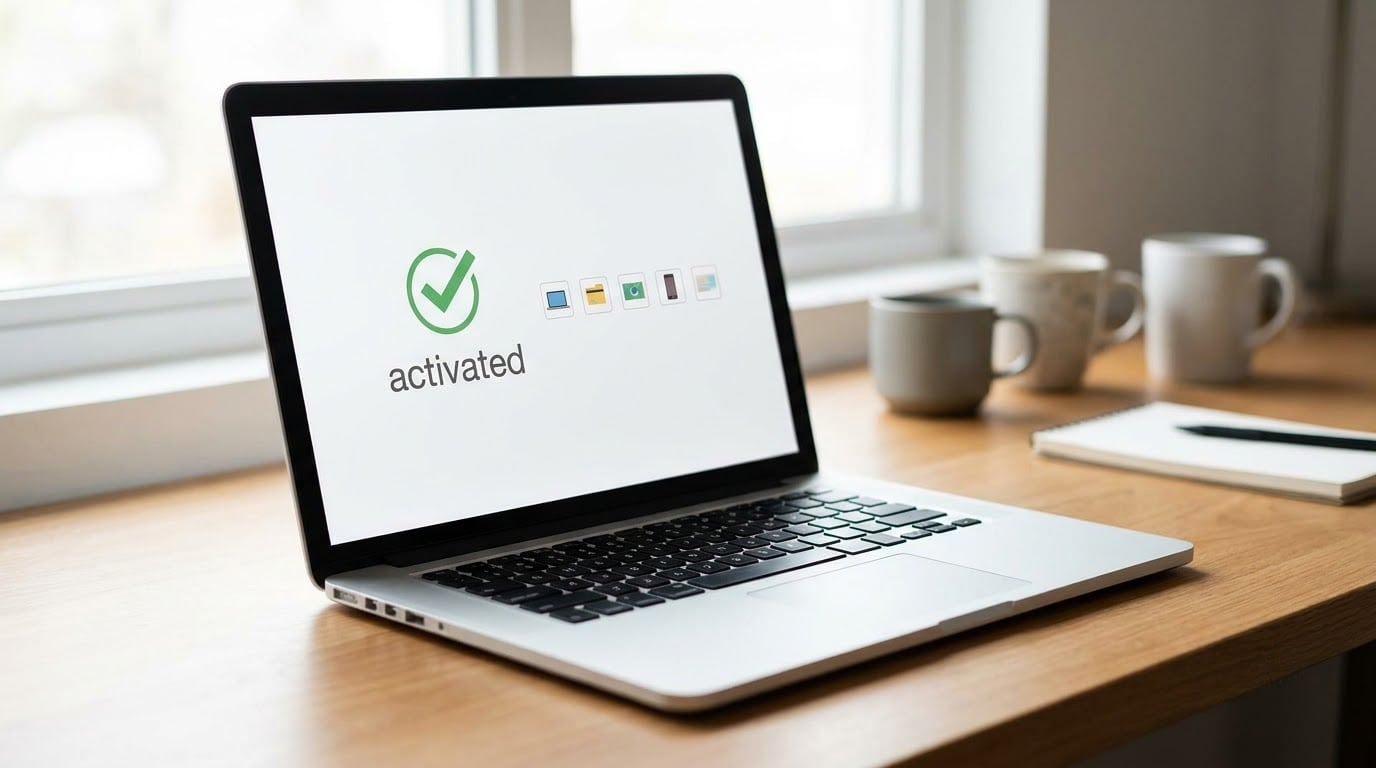
Check Windows Activation First
On Windows 11, press Win + I to open Settings, then go to System > Activation. On Windows 10, use Settings > Update & Security > Activation, or the older route: Control Panel > System and Security > System, then “Activate Windows”.
You are looking for three separate things on that page:
- Windows is activated. The edition and a status line. If this is green and says “activated”, stop here unless you plan to move the licence.
- “Using your digital license” or “Activation tied to your Microsoft account”. This is the digital entitlement. There is no key on the machine to find, and searching for one wastes an afternoon.
- A product key line showing the last five characters. This appears when a key is genuinely stored, and it tells you a full key exists somewhere.
If the page shows “Windows is not activated” or “You have 0 days remaining”, you have a problem to solve rather than a key to find. Run slui 4 from the Start menu to open the activation troubleshooter, or call Microsoft support. winver in the Run box confirms the exact build and edition in about two seconds, which is useful before any of the methods below.
Find the Key in Your Microsoft Account
This is the single most productive step for anyone who bought Windows themselves and cannot find an email. Go to the Microsoft services page, sign in with the account tied to the PC, and open the orders or billing history section. Each Windows purchase shows either a 25-character key or a set of activation instructions.
Two real-world notes from the forums: Microsoft only reliably retains keys for orders it handled directly, so a key bought through a third-party storefront will not appear here. And if your account has no order history at all, that is a genuine answer — the licence came preinstalled with the machine, not from the Store.
Look Through Purchase Records and the Original Box
Physical Windows copies printed the full 25-character key on the box, usually on a sticker near the barcode, alongside the Certificate of Authenticity. Retailer emails from authorised resellers follow the same pattern: the key sits in the body of the confirmation message, not in an attachment.
Not every string in those documents is a key. Retail order numbers are longer and usually contain letters outside that 25-character alphabet, and troubleshooting or installation IDs are clearly labelled as such. If what you are holding does not split neatly into five groups of five, it is not a product key.
Check an OEM Label or Firmware-Related Source
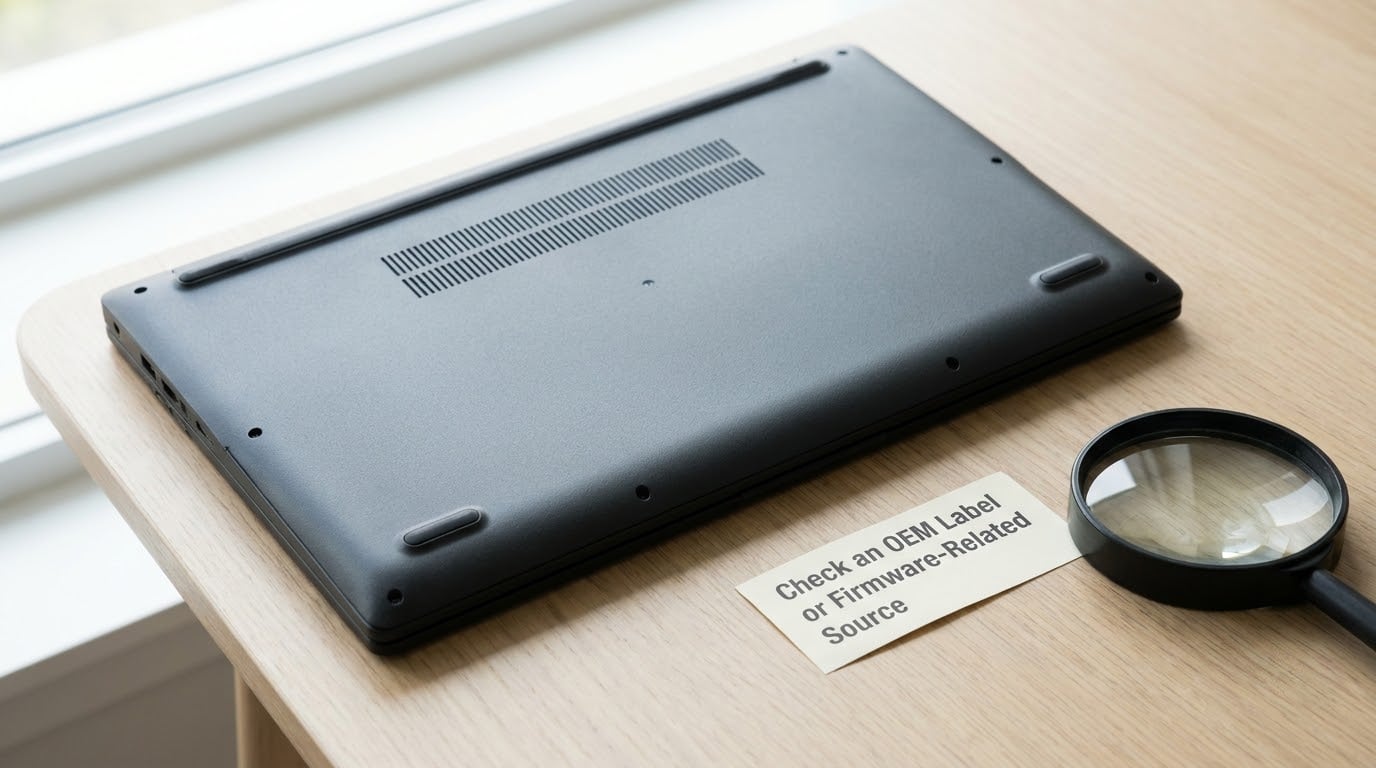
Most preinstalled Windows licences live in the firmware, not on the disk. On modern UEFI machines the key sits in a data table called MSDM; older BIOS systems used an ACPI table called SLIC. A sticker is a convenience, not the source, and plenty of recent laptops ship without one.
To read the firmware key, open Command Prompt as administrator and run:
wmic path softwareLicensingService get OA3xOriginalProductKeyIf you see ‘wmic’ is not recognized as an internal or external command, you have hit the most common failure on Windows 11. WMIC is now an optional feature: go to Settings > Apps > Optional features > View features, search for WMIC, and install it. It is on a deprecation path, so the PowerShell route is the better habit to build:
(Get-CimInstance SoftwareLicensingService).OA3xOriginalProductKeySuccess looks like a line reading OA3XOriginalProductKey with a 25-character value underneath. A blank result means the manufacturer never stored an OEM key in firmware, which is normal on machines whose licence is digital. It does not mean you did anything wrong.
One warning before you use a firmware key: it is bound to that motherboard. It will activate Windows on the PC it came from and generally will not activate a different build, and it usually limits the edition to what the board shipped with.
Mistakes to Avoid While You Search
Most of the wasted hours in this topic come from the same handful of errors:
- Comparing three methods that legitimately return different keys. Command Prompt reads firmware, a portable key finder reports what the current installation uses, and the registry value can hold a placeholder that activates nothing. They are answering different questions.
- Treating an installation ID as a key. Setup diagnostic blocks are longer than 25 characters and are not entered anywhere.
- Installing a different edition on a machine with a firmware key. The installer can silently use the embedded key and hand you a downgrade, or refuse the edition you picked.
- Pasting the key into a screenshot or a forum post. Delete the post. A key in the wrong hands is a reinstall.
- Buying a replacement key when a digital licence already covers you. Activation status on the device is the ground truth, not what a tool finds.
Common Mistakes
Beyond the search itself, two habits cause most of the follow-up problems.
Trusting key-finder websites. A page that scans your machine and then asks for payment before revealing what it found is running a paywall trick, not a utility. Legitimate tools are free, portable, and published on a company site you can type in yourself: NirSoft’s ProduKey, ShowKeyPlus, Magical Jelly Bean KeyFinder, or Belarc Advisor. Antivirus software frequently flags portable tools as potentially unwanted applications because that is exactly the profile a credential stealer wears. A PUA warning on a file you downloaded from the developer’s own domain is a false positive; a warning from anywhere else, treat as real.
Forgetting where the receipt is. When every recovery option has failed, the answer is usually a purchase record you dismissed months ago. Email the receipt address you used, check the retailer account, and check whether the machine shipped with a physical box that still has a key sticker underneath.
Then store whatever you find somewhere durable rather than in a desktop text file. A password manager is ideal. If you rely on the key later, note the edition too, since a Home key will not activate Pro.
Frequently Asked Questions
Can Windows be activated without knowing the product key?
Yes, on almost every modern PC. Activation can be handled by a digital licence, either tied to your Microsoft account or bound to the machine’s firmware through a hardware hash. In that case no 25-character key was ever issued or stored, which is why Settings shows an activation status but no key. You only need a key for older retail purchases, machines bought without an OEM licence, or reinstalling onto different hardware.
Why does Windows not show my 25-character product key?
Because most Windows 10 and 11 installs use a digital licence rather than a key. Settings u0026gt; System u0026gt; Activation shows an activation status and often a device ID instead. Windows hides keys deliberately so licence keys are not casually exposed on screen or in screenshots. A firmware key can still be read with the PowerShell or WMIC command if the manufacturer stored one, but on a digitally licensed machine that command legitimately returns nothing.
Can I retrieve a Windows product key from Command Prompt?
Yes, open Command Prompt as administrator and run wmic path softwareLicensingService get OA3xOriginalProductKey. On Windows 11, WMIC may not be installed by default and the command returns a not-recognized error; add it under Settings u0026gt; Apps u0026gt; Optional features u0026gt; View features, or use the supported PowerShell command (Get-CimInstance SoftwareLicensingService).OA3xOriginalProductKey instead. Both read the OEM key held in firmware, not the key currently in use.
Where is the product key on a new OEM Windows computer?
Usually in the firmware rather than anywhere you can see. The manufacturer wrote it into a UEFI MSDM data table when the machine left the factory, and Windows reads it during installation and activation. A certificate of authenticity sticker on the base used to repeat the same key, but many new laptops no longer ship with one. The key is tied to that motherboard and normally will not activate a different computer or a different edition.
How do I know whether I have a product key or a digital licence?
Open Settings u0026gt; System u0026gt; Activation on Windows 11, or Settings u0026gt; Update u0026amp; Security u0026gt; Activation on Windows 10. If the page says you are using a digital licence, or that the licence is tied to your Microsoft account, you have no key. If it shows a partial product key ending in five characters, a stored key exists and you can retrieve the full one from your purchase record, firmware, or a portable key finder. Activation status is more reliable than what any tool reports.
Conclusion
The result that matters is not the key, it is the activation status. Open Settings and find out which kind of licence you have before you start hunting.
If Windows is activated with a digital licence, you are done. If it shows a partial key, check your Microsoft account order history first, then the box or receipt, then the firmware command. And if you end up stuck, go through Microsoft support or your machine’s manufacturer rather than a key generator site — the legitimate routes cover almost every real case.
2 thoughts on “How to Find Your Windows Product Key: 4 Ways (October 2026)”