
To write a meta description that gets clicks, pick one specific benefit your page actually delivers, say it in active language a person would use, and land it around 150 to 160 characters so the whole sentence survives truncation on desktop and mobile. It takes about ten minutes per page, needs no paid tool, and it is the cheapest lever you have for pages that already rank but get ignored.
I have rewritten hundreds of these. Most weak ones fail the same way: they describe the page instead of promising the reader something, or they bury the useful part in 180 characters where nobody will see it.
This guide covers the whole loop, from working out search intent to checking whether the change actually moved click-through rate in Google Search Console. No jargon dumps, no generic advice about “crafting compelling copy.” Worked examples you can retype straight into your own page.
What You Need
You need six details about the page, and you can find all of them without leaving your own site. Gather them before you type a single character of description, because guessing mid-sentence is how the vague stuff gets written.
- The exact target query. Type the phrase into a search and look at the autocomplete suggestions. Those are real queries, not guesses.
- The search intent behind it. Does the top result teach, sell, let you log in, or answer a question in one line?
- The main benefit. What does the reader get that they do not get from the other nine results?
- Your differentiator. A number, a method, a timeframe, a result, a constraint only you can state honestly.
- One call to action. Read the page, see the template, check the price, book a slot. Pick the one the page genuinely supports.
- The current character count. If you are editing an existing description, know where you started.
No specialist tool is required. That said, a few free helpers make the job less of a guessing game. RankMath and Yoast both show a live Google-style preview and a pixel or character readout inside the WordPress editor, so you can see the cut before you publish. Google Search Console tells you what Google is showing right now, not what you wrote. A free SERP preview tool handles the non-WordPress cases, including Shopify and hand-coded sites.
Here is the order I actually work in, and it is the same order that follows: intent, benefit, language, human voice, reason to click, then the final check.
Step-by-Step
Knowing how to write a meta description that gets clicks comes down to six decisions, in this order. Each one is quick on its own, and each one has a way to tell whether it worked.
1. Identify the search intent behind the query
Search intent is what the person typing the query actually wants, and it decides everything that follows. There are four common shapes: informational, navigational, a quick answer, and transactional.
Look at the results page. If the top ten are all tutorials, the reader wants to learn something and your description should promise an explanation. If they are all product or service pages, they want to evaluate options and your description should promise a comparison or a specific advantage. If the query is a brand name, the reader wants your homepage or login page, and a description is mostly wasted effort.
Mixed-intent queries are the ones that trip people up. Take “how to write a meta description that gets clicks”. The top results are vendor guides, glossary definitions and tool pages, and the same phrase also pulls forum threads where people argue about whether descriptions matter at all. That mix is a signal to promise something concrete and slightly opinionated rather than a vague definitional line.
Before: “Meta descriptions are an important part of on-page SEO.”
After: “Search intent decides the description. Informational, transactional or a quick answer, each one gets a different promise, and here is how to spot which is in front of you.”
How to tell it worked: read it back and ask whether a person who just saw that query would expect what you promised. If not, the intent is wrong.
2. Choose one clear benefit to promise
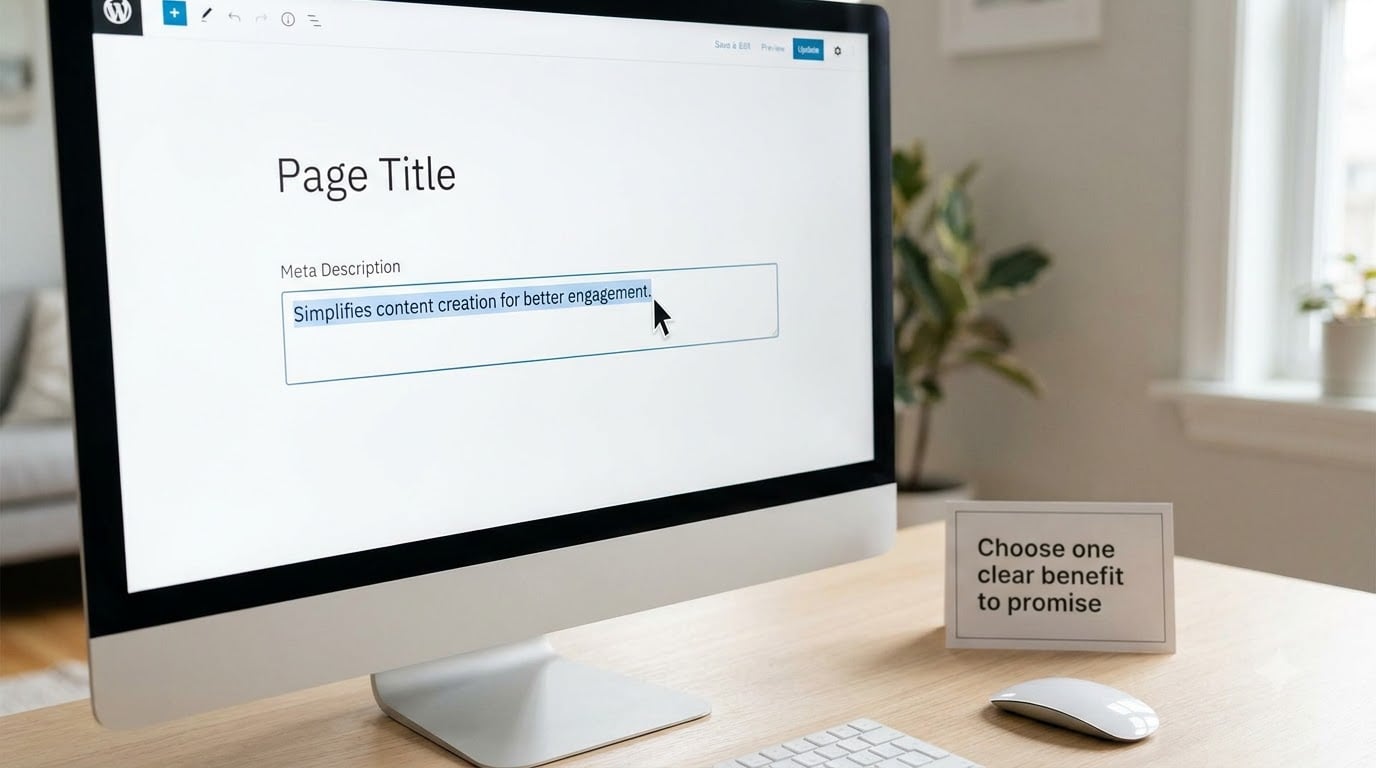
A meta description is not a summary of the page. It is a promise about what happens if the reader clicks, and you should make exactly one. Two benefits read as neither, because you have half a character budget and all of it should work.
Reduce the broad topic to the most useful outcome for a specific audience. “Improve your SEO” is not a benefit, it is a topic. “Find the 12 queries driving your lowest click-through pages” is a benefit, because it names a person, a number and a finished state.
Here is the same description written two ways, for a page about diagnosing low click-through rate.
Version one, generic: “Learn how to improve your organic click-through rate with meta descriptions and better SEO practices for your website today.”
Version two, concrete: “High impressions, low clicks? Pull the exact queries in Search Console, see which snippet you lost, and rewrite it in about 15 minutes.”
Version one works in five different directions at once, so it persuades nobody. Version two names the situation your reader is in, the place they will do the work, and the time it takes. That is the difference between a benefit and a topic.
How to tell it worked: a colleague should be able to name the reader and the outcome without reading the page.
3. Use active, specific language that matches the page
Active voice is shorter, which means more of your promise survives the cut. It also reads faster on a results page where the reader is scanning, not studying. Start with the verb the reader would use, not a form of “to be.”
Then swap vague phrases for ones a person would say out loud. Here are the swaps I make most often.
| Instead of | Write |
|---|---|
| Learn about boosting engagement | See which pages hold attention past 60 seconds |
| Our guide to effective descriptions | Write a description in 15 minutes |
| Optimize your search presence | Get more clicks on pages you already rank for |
| High-quality content for every query | Six steps, each with a before and after |
| Solutions tailored to your business | Fill in four fields, publish the same week |
Match the wording to what is visibly on the page. If the page shows screenshots, real numbers and a worked example, describing it as “an in-depth guide” undersells it and readers skip. If the page is a short opinion piece, promising a step-by-step system sets you up for a bounce and a disappointed click.
Accuracy matters more than adjectives. Unsupported words like best, guaranteed and effortless are the ones that make people click and then leave, and quick exits show up in your data as a poor result on the very page you promoted.
How to tell it worked: every claim can be pointed at something a reader will find within a few seconds of landing.
4. Write the description for a human first
Someone is reading your description next to nine competitors. Write the sentence you would say out loud to that person, then trim it. Sentences under 20 words read well at scan speed, and most searchers process a snippet in about a second.
Use second person where it fits, keep the rhythm varied, and let the sentence land on a verb rather than trailing off into filler. Passive constructions and stacked clauses are what make a snippet look like it was written for a robot, because usually it was.
A compelling word earns its place when the page can back it up. Easy, proven and step-by-step are fine on a page that is genuinely any of those things. They are not fine as decoration. If you cannot show the steps, do not claim steps.
Do not sacrifice the important term to make it prettier. Your primary keyword or close variant belongs in the description where it reads naturally, usually once and usually early, because Google bolds the words that match the query and that bolding helps the snippet stand out.
How to tell it worked: read it aloud. If you run out of breath or stumble, split it.
5. Add a useful reason to click and, when useful, a call to action
The strongest reason to click is a concrete thing inside the page: a template, a checklist, a number, a tool, a worked example. “What you will find” beats “why choose us” every time, because the first one is checkable and the second is not.
Calls to action work best when they match the page type. A tutorial can end with “See the formula”, a template page with “Copy the 4-field template”, a tool page with “Run it on your page”, a local page with “See hours and directions”.
Several endings that pull their weight:
- “See the formula.”
- “Copy the checklist.”
- “Check your page in 5 minutes.”
- “Read the 15-minute fix.”
- “See the 3 examples.”
Replace a generic “Learn more” whenever you can. It tells the reader nothing, and it is the least persuasive phrase in the whole tag. The one exception is a brand name search, where the reader already decided and a label does no harm.
How to tell it worked: your ending names a specific object, not a mood.
6. Check the snippet, relevance, and character count
Do the final check where the description will actually render. In WordPress, open the RankMath or Yoast tab, and the editor shows a live Google-style preview with a green or orange bar under the snippet. In Shopify or a custom template, paste the text into a free SERP preview tool.
Look at three things in that preview. First, the cut: on desktop you generally get about 150 to 160 characters before an ellipsis, which is roughly 920 pixels of text width. On many mobile results the visible window is closer to 50 to 55 characters, so the first clause has to stand alone. Second, the ellipsis position: if the cut lands mid-phrase, shorten or restructure until the break is somewhere natural. Third, the bolding: check that the words matching the query look deliberate.
That mobile number is the one most guides skip, and it changes how you write. Wasting the first 50 characters on your brand name is the classic error, because on a phone the rest of your promise never appears at all.
On length, the range people quote is all over the place, from 70 to 155 up to 155 to 160. Reconcile it like this: anything under about 70 characters is a wasted slot, and anything much over 160 will be cut on most desktops. 150 to 160 characters is the safe desktop target, and 140 to 155 is a perfectly good beginner range. If you are under 70, the sentence is probably padded with a phrase you can delete rather than extended with one you need to add.
Keep in mind you do not have final control. Google rewrites the description fairly often, and on some results pages it does not show one at all. Your job is to make the original so good and so well matched to the page that the odds of it surviving are high, not to control the outcome.
How to tell it worked: you can see the full sentence, with no awkward mid-word cut, on both a desktop-width and a narrow preview.
Common Mistakes
These are the problems I fix most often, and each one has a straightforward fix. Work through the list in order after your first draft.
Duplicate descriptions across pages. Copy-pasting the same text onto fifty pages tells a reader, and Google, that none of them are worth differentiating. Fix: write one specific benefit per page, even if the template around it is shared. On large catalogues, a templated description that still names the page’s own detail beats one generic paragraph repeated everywhere.
Keyword stuffing. Forcing the exact phrase three times makes the sentence unreadable and reads as spam to a human scanning results. Fix: use the term once, naturally, and spend the remaining characters on the benefit.
Vague click claims. Phrases like “unlock powerful insights” or “take your SEO to the next level” say nothing and are ignored. Fix: replace the abstraction with a noun the reader can picture, such as a checklist, a template or a number.
Promising something the page does not deliver. This earns the click, then loses the visit, and the reader remembers. Fix: before publishing, open the page and confirm each claim in the description is visible within the first screen or two.
Awkward punctuation and stacked clauses. Three semicolons or a sentence with two commas and no breathing room reads as machine copy. Fix: split it, use a period, and cut any clause that does not earn its place.
No page-specific benefit. A description that would fit any page on your site is the most common miss. Fix: name what is on this page that is not on the other nine results in front of the reader.
Chasing one character target. Treating 155 as a hard rule leads to padding, cutting a useful clause, or padding with filler words to hit a number. Fix: treat 150 to 160 characters as a target range, and judge the sentence on clarity first.
A few shorter optimisation tips. Front-load the primary keyword or a close variant into the first half, and put the specific number before the general claim. Keep the brand name at the end, not the start. Write the description after the page is finished, never before, so you describe what exists. And check what Google is actually displaying in Search Console before you rewrite anything, because the snippet in front of real visitors may not be yours at all.
Frequently Asked Questions
How long should a meta description be?
Aim for 150 to 160 characters, which is what usually fits under a title on desktop before an ellipsis appears. Beginners often land well at 140 to 155. On mobile, only about 50 to 55 characters are visible on many results, so the first clause must stand on its own. Treat the number as a range rather than a rule, since a clear sentence matters more than hitting an exact count.
Does Google still use meta descriptions?
Yes, usually. Google reads your meta description and often shows it as the grey snippet under your title, though it rewrites it fairly often and sometimes pulls a different passage from your page instead. Across the search results pages I checked for this guide, every competitor snippet was a hand-written style description, which is a decent sign. A missing description simply means Google picks the text for you.
Should I include my focus keyword in a meta description?
Include it once, early, where it reads naturally. Google bolds the words in a snippet that match the query, and that bolding makes your result easier to scan among ten similar lines. You do not need an exact-match phrase, a close variant works. The rest of the description should earn its characters with a benefit rather than repeating the term, since repetition reads as stuffing and does nothing.
How do I write a meta description in RankMath?
In the WordPress editor, open the RankMath panel in the sidebar or below the content, go to the SEO tab, and fill the Meta Description field near the bottom. The live preview above it renders your title and description the way Google usually does, with a bar that warns you when the text is too short or will be cut. Save or update the post and the tag goes into the page head automatically.
Why did Google rewrite my meta description?
Google shows a different snippet when it thinks a passage from your page matches the query better than your description, which is common on pages that rank for several related terms. It also rewrites descriptions that are too long, stuffed, duplicated across pages, or simply irrelevant to the search. You cannot stop it, but writing a specific, well-matched description makes it less likely. Check Search Console to see what is really being shown.
Conclusion
Pick one specific benefit for one clearly defined searcher, write it in language that matches what is actually on the page, and open the live snippet preview before you publish. That is the whole job. Ten minutes per page, and on pages that already earn impressions, it is usually the fastest traffic gain available to you.
If you take the process further and want to know how to write a meta description that gets clicks as a repeatable habit across a whole site, build it into your publishing checklist and review the pages with the weakest click-through rate first.
1 thought on “How to Write a Meta Description That Gets Clicks (2026)”