
Knowing how to write titles that rank and get clicked comes down to five decisions: what the searcher wants, which phrase they typed, what your page actually delivers, how the wording fits on a screen, and whether you test it afterwards. A title that answers all five gets ranked for the right query and earns the click on the impressions you already have. Most of the work takes fifteen minutes per page.
Here is the process I use on every blog post and every client page I touch. Nothing in it needs a budget, though a free SERP preview tool makes the length checks faster.
What You Need
Six things, and you already have four of them. Gather them before you start typing headline drafts, because a title written without them is usually a guess.
- The topic in one sentence. If you cannot describe the page without a full paragraph, the title will wander.
- A read on search intent. What does someone typing this query actually want delivered: instructions, a definition, a comparison, a shortlist, or inspiration?
- The focus keyword. The exact phrase your target reader types, taken from keyword research rather than guessed from the article subject.
- Audience context. Who is searching, how much they already know, and what they are trying to finish today.
- A clear value proposition. The specific outcome this page delivers that a competing page does not.
- A way to compare two or three title options. A SERP preview tool for desktop and mobile width, plus a place to write down the variants.
Your title and meta description get read as one unit in the results page, so write them together. If the meta description is still blank, how to write a meta description that gets clicks covers the second half of that pair.
Step-by-Step
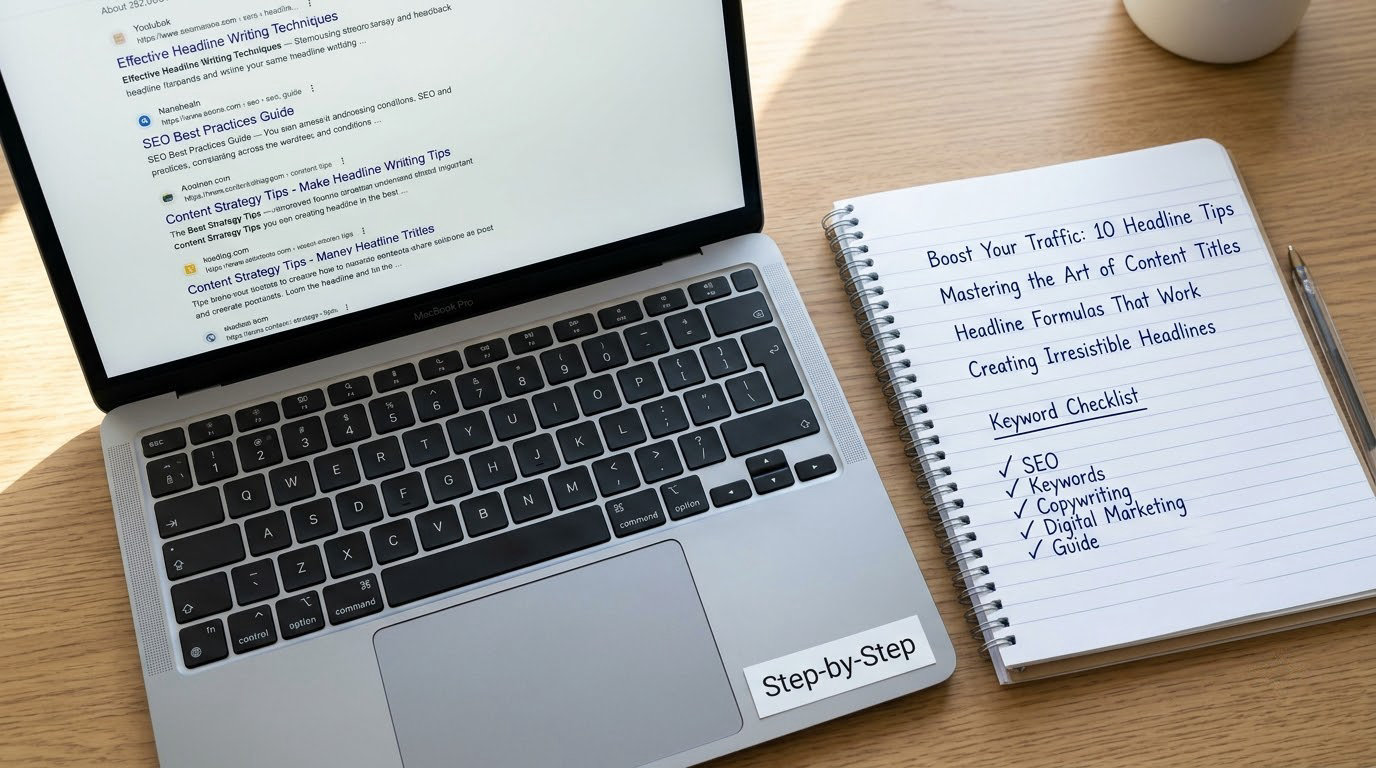
Step 1: Identify the Search Intent Behind the Query
Intent decides the shape of the title before a single word gets chosen. Searchers asking how to write titles that rank and get clicked want a process, so the title has to promise a process, not a definition or a roundup.
Four intents cover most queries. Instructional queries start with how, fix or solve, and want a numbered title that says the outcome will happen. Informational queries ask what or why, so the title names the concept. Commercial queries compare two options or ask which is better, so the title should signal a decision. Navigational queries want a brand or a specific site.
Read the live results page for your keyword and notice what is already ranking. If every result on page one is a definition, Google has decided this is an informational query and a how-to title will struggle.
Step 2: Find the Keyword and Its Search Context
Use keyword research to find the phrase, then use the search context to check whether it belongs in your title. Research gives you volume and difficulty; the SERP gives you the wording people actually read.
Look at the related searches under the results and at the autocomplete suggestions, because those come from real query strings. Notice how the phrase is written rather than how you would write it yourself.
Keep the keyword’s word order intact. For this topic that means how to write titles that rank and get clicked, not a rearranged version that reads awkwardly. Matching the exact phrasing matters more on Bing than on Google.
Step 3: Draft Titles That Communicate a Clear Benefit
Write three to five candidates, not one. Each should name the topic, the outcome and what the reader gets, using specific wording rather than vague claims.
Vague says things get better. Specific says which thing, for whom, and how long it takes. A title naming an outcome also tells you whether the page can deliver it, which is a useful test before you publish rather than after.
Drop any candidate that could describe fifty other pages without changing a word. That sentence does most of the work in Step 4.
Step 4: Make the Title Scannable and Click-Worthy
A title has to survive being read in about two seconds on a phone. That means short words, active verbs and the focus keyword near the front.
On length, the familiar 50 to 60 character rule of thumb works, but the real reason is pixel width. Search engines cut titles based on how wide they render, so a title with wide characters runs out sooner than one with narrow ones. That is why desktop previews can look fine while mobile truncates earlier and adds an ellipsis.
Curiosity earns clicks when the page keeps the promise. A gap between what the title implies and what the page delivers gets you the click and then sends the reader straight back to the results, which costs you engagement on a page you already earned impressions for.
Use one power word, one number if you have a real one, and stop. Several stacked power words read as noise and eat the characters you needed for the keyword.
Step 5: Test and Choose the Best Title
Score each candidate from one to five on four things: search relevance, clarity, appeal and accuracy. Accuracy means the page can deliver what the title promises. Drop anything scoring under three on accuracy regardless of how well it scores elsewhere.
Check the winner in a SERP preview tool at both desktop and mobile width. If the keyword or the payoff gets cut on mobile, shorten the filler rather than the payoff.
Then change it, log the old and new versions, and leave it alone for two to four weeks before judging. Judging too early produces noisy conclusions, and if the page itself is new, how long it takes for a new blog to rank explains why the first few weeks are unreliable.
Common Mistakes
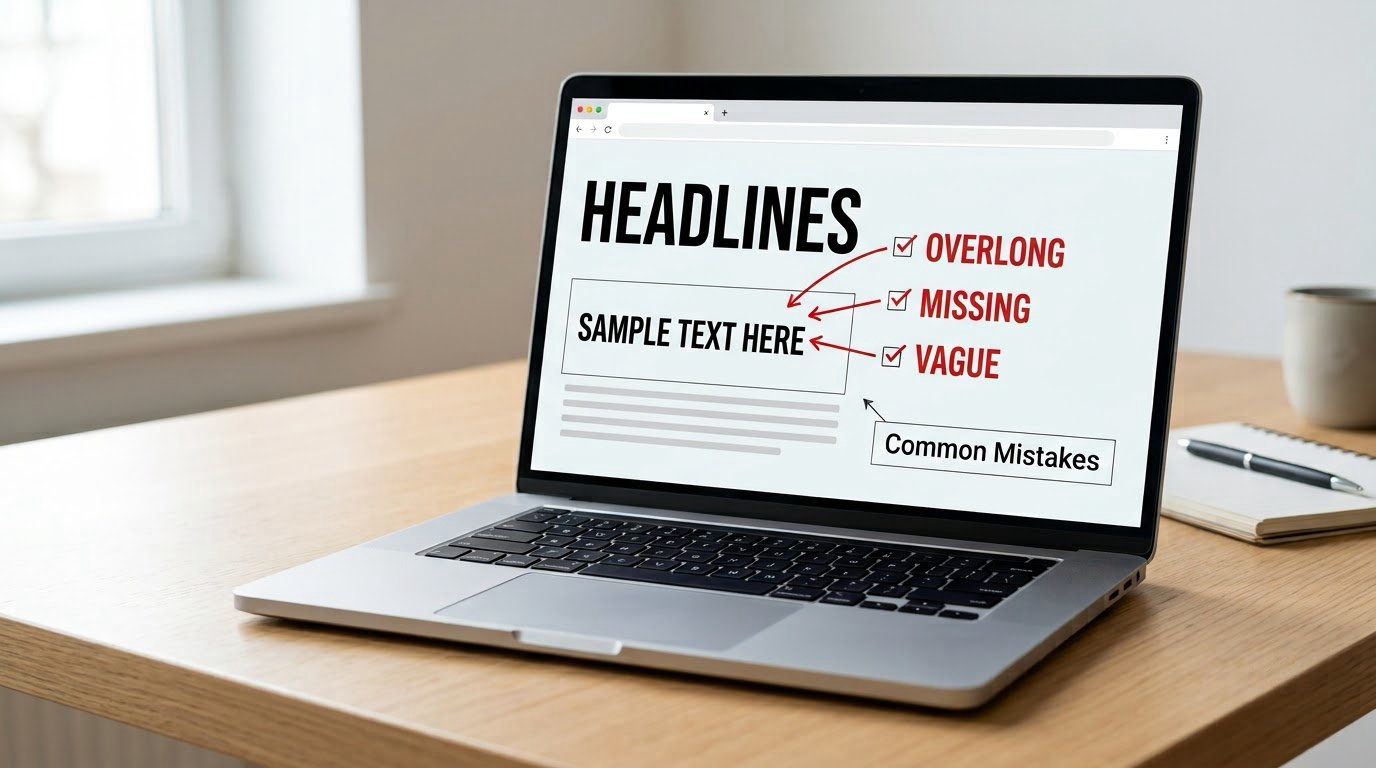
1. Keyword stuffing
Repeating the exact phrase to get noticed reads as spam to a person and looks redundant to a search engine. The fix: one exact phrase, written in the order people type it.
2. Leading with the brand
Nobody searched for your company. Put the brand at the end, or leave it off editorial pages and keep it on product and service pages where it carries recognition.
3. Titles that promise more than the page delivers
This is the failure forum readers complain about most. A title that oversells produces a click, a bounce and a drop in engagement signals. The fix: write the title from the last paragraph of the article, not from the ambition you have for it.
4. Ignoring the mobile preview
Desktop looks fine, phone loses the payoff. Check both widths before you publish and cut filler words first.
5. Making one title serve fifty pages
Duplicate title tags across a large site confuse both readers and crawlers. Fix it with the template approach: assign one formula per page type and write the specific half from scratch every time.
6. Never changing a title again
Search Console tells you which pages earn impressions and lose the click. A title that sat untouched for two years on a page sitting at position four is leaving traffic on the table.
One more habit worth picking up: if you describe images anywhere in the same article, how to write alt text for images that helps SEO follows the same logic, since both are short pieces of text that tell a reader what they are about to get.
Frequently Asked Questions
How long should an SEO title tag be?
Aim for 50 to 60 characters as a practical target, because that usually renders inside the available pixel width on both desktop and mobile. The limit is not a hard character rule, though. Titles are cut based on rendered width, so wide characters eat more space and mobile cuts earlier. Check every candidate in a SERP preview tool at both widths rather than trusting the number alone.
What happens if a page title is over 60 characters?
The tail gets cut with an ellipsis, so the part you most wanted the reader to see is the part that disappears. Nothing breaks and no penalty applies, but you lose the payoff words at the end. Search engines also rewrite titles that do not match the page content. Put the focus keyword first and the benefit where it survives truncation.
How do you write a title that gets clicks without being clickbait?
Promise the most specific useful outcome you can deliver, then deliver it inside the first screen of the page. Clickbait is not a forbidden word, it is an unfilled promise, and readers who bounce straight back cost you engagement on impressions you already earned. Numbers, years and power words are fine when the article backs them up.
Should I put my brand name in my title tag?
Put it at the end of editorial pages so it does not push the focus keyword out of view, and keep it near the front on product and service pages where recognition helps conversion. On narrow topics where the brand name is the query, lead with it. The test: remove the brand name and see whether the title still describes the page for someone who does not know you.
Do title tags still affect rankings?
Yes, as a relevance signal rather than a magic ranking lever. A title that names the topic clearly helps a search engine understand the page, and a keyword placed early reinforces that. The bigger measurable effect is on click-through rate from impressions you already have, which is why a title rewrite can lift traffic without any change in position.
How long should I wait after changing a title tag?
Wait two to four weeks before drawing a conclusion, and change only the title so the test stays clean. Watch average position alongside click-through rate, because a ranking drop can mask a genuine improvement. Log the old title and the new one with the date so you are not relying on memory when you check.
Conclusion
Start with the query, decide what the searcher wants delivered, then draft three titles that each name the topic and a specific benefit. Front-load the phrase, cut anything that will not survive a mobile preview, and keep the promise small enough that the page can settle it.
Publish one, log it, and come back in three weeks with Search Console open. That loop is where the improvement actually comes from, and it costs fifteen minutes a page.