Yes, you can learn to code on your own without a degree, and plenty of people working in software today never finished one. What an employer checks first is whether you can build something that works, and that skill is learnable at home for free. Give it 5 to 10 focused hours a week and expect the first two months to feel slow while everything after that moves fast.
Most people get stuck on the wrong question. They spend weeks comparing curricula instead of writing their first line of code, or they binge forty hours of video and build nothing. The roadmap below is ordered the way beginners who actually finish tend to order it: one language, one editor, small programs, Git, then one real project.
I have watched people with a decade in sales, teaching, or trades go through exactly this sequence and land their first junior role. The common thread was never a certificate. It was a public GitHub account with working code and the patience to keep showing up.
As of 2026, the honest state of the industry is this. Large companies such as Google and the big banks still run automated filters that ask for a degree, and no amount of self-study changes that filter. Small and midsize companies, agencies, startups, and plenty of remote-first teams hire on a portfolio and a short technical screen instead. Aim your search there first.
Table of Contents
- What You Need
- How to Learn Coding on Your Own Without a Degree Step by Step
- How to learn coding on your own without a degree: choose one beginner-friendly language
- Install your coding workspace
- Learn the core concepts through short lessons
- Practice by rebuilding small programs
- Use Git and GitHub to save your work
- Build one useful portfolio project
- Create a consistent practice routine
- Know when you are ready to learn more
- Common Mistakes
- Frequently Asked Questions
- Can I learn coding without a degree and still get a software job?
- Which programming language should I learn first as a complete beginner?
- How many hours a week do I need to learn coding on my own?
- Are free coding resources enough to become a developer?
- How long does it take to learn coding without attending university?
- Should I learn web development, Python, or mobile development first?
- Conclusion
What You Need
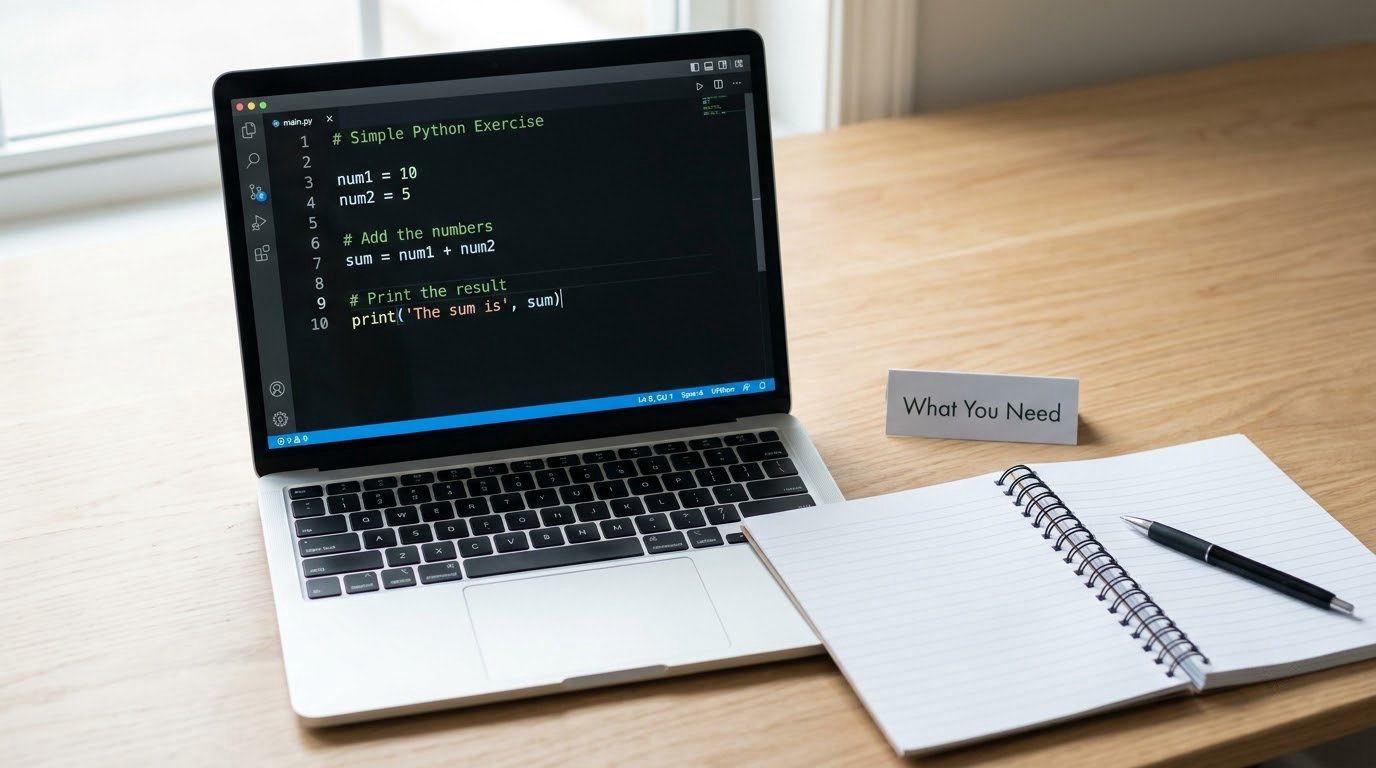
You need less than most people expect. A laptop or desktop from the last several years running Windows or macOS is plenty, and it does not need to be a gaming machine. Check your machine first: how to tell if your laptop can be upgraded is worth five minutes if yours feels slow, though for learning to code the upgrade is rarely the bottleneck.
The four things to set up on day one
- A code editor. Visual Studio Code is free, runs on Windows, macOS and Linux, and has a terminal built in so you never have to leave the window. Sublime Text and Zed are reasonable alternatives, but VS Code is the least friction.
- A browser. You will read documentation and error messages all day. Chrome, Firefox, Edge and Safari all work fine.
- A GitHub account. Free, and it doubles as the portfolio that proves you can code. Register it early even if it stays empty for a month.
- A time block. 5 to 10 hours a week, booked in your calendar, is the beginner-friendly pace. Less than that and progress drags; more than that and most people burn out in month two.
The mindset that matters most
You are going to hit an error on your first afternoon. Everyone does, including people with computer science degrees. The skill you are building is not memorising syntax, it is reading a confusing message, forming a guess, and testing it.
One more thing before you start. Save a plain text file called learning-log.md. Every time you fix something that took more than 20 minutes, write down what the error was and what fixed it. That file becomes more useful to you than any course, and it turns into good README material later.
How to Learn Coding on Your Own Without a Degree Step by Step
The steps run in order on purpose. Each one gives you a tool or a habit the next step depends on, so skipping ahead tends to cost you a week of confusion later.
How to learn coding on your own without a degree: choose one beginner-friendly language
Pick one language and stay with it for at least three months. The language matters far less than most articles imply, because the core ideas of variables, conditions, loops, and functions are the same everywhere. What differs is how forgiving the language is while you make mistakes.
| Language | What it is used for | Learning curve | Best for |
|---|---|---|---|
| Python | Automation, data analysis, backends, scripting | Gentle | Beginners who want the widest set of doors open |
| JavaScript | Web pages and web apps, and it runs in the browser | Moderate | People aiming at web development jobs |
| HTML and CSS | Page structure and visual styling | Easy | A fast first taste of real work in a weekend |
| Java | Android apps and large enterprise backends | Steeper | People already set on mobile work |
My default recommendation is Python for a beginner with no specific destination, and JavaScript for someone who wants to build websites. Python has short, readable lines and forgiving error messages, so you spend more time solving problems and less time fighting punctuation.
HTML and CSS are worth a weekend, not a year. They let you publish something visible within two days, and that early win does more for motivation than another month of Python syntax. If that is where the excitement is, follow it into JavaScript.
Install your coding workspace
On Windows, download Visual Studio Code from the official site, open the downloaded installer, and accept the defaults. On macOS, open the .zip, drag Visual Studio Code into your Applications folder, then launch it from there the first time so macOS finishes setting permissions. Both platforms land you in the same editor window within a few minutes.
Open the integrated terminal with Ctrl + ` on Windows and Ctrl + ` on macOS as well, or from View then Terminal. The terminal is where you will run Python, install packages, and use Git later, so getting comfortable with it now saves you later.
Make a folder called first-project in your Documents directory. Create a file inside it named hello.py, type two lines that print your name and the current year, and save. Then type python hello.py in the terminal. Seeing your own text come back on the command line is the first real checkpoint in this whole process.
If installing software feels like a hurdle on day one, start in the browser instead. Several courses run entirely in a web tab, and Python Tutor shows beginner code executing line by line, which makes loops and variables much easier to see. Install the editor on day three, once you know you will keep going.
Learn the core concepts through short lessons
Work through the fundamentals in this order: variables and data types, conditions, loops, functions, lists and dictionaries, then reading errors. After that come version control and the basics of breaking a problem into steps.
Pair every lesson with one small exercise. Watch twenty minutes, close the video, then write something on your own with the same idea in it. That single change, from passive watching to typing, is the difference between a full notebook and a folder of half-finished browser tabs.
Do not skip the error-reading part. When your program does not work, learn the four parts of a typical error message: what type it is, which line it points to, what it expected, and what it got. Beginners who slow down and read messages instead of rerolling code tend to learn twice as fast in the second month.
Practice by rebuilding small programs
Rebuild, do not invent. Take a program you have seen and type it out yourself, line by line, then change one thing and predict what happens before you run it. Predicting first is what turns reading into skill.
A workable order looks like this: a calculator that adds two numbers, then a to-do list that stores and removes items, then a number-guessing game, then a simple webpage of your own. Each one adds a single new idea, so when it breaks you know exactly where to look.
Test each program deliberately. Try an empty input, a negative number, text where a number belongs, and the normal case you designed for. Programs that only work with perfect input are not finished, and finding that out early is cheaper than finding it after someone else does.
Change one variable at a time while debugging. If a program gives the wrong answer, change one thing, run it, and look. Changing three things at once and getting the same error tells you nothing about which one mattered.
Use Git and GitHub to save your work
Git is version control, which means it remembers every version of your code so you can compare them, go back, and see exactly what changed. It also lets other people work on the same project, which is the whole basis of how software teams operate.
On Windows, install Git for Windows, which includes Git Bash. On macOS, run git --version in the terminal first, because Git ships with the developer tools and you may already have it. Either way, set your name and email once with git config --global user.name and git config --global user.email so your commits are attributed to you.
Then, inside your project folder, run git init, git add ., and git commit -m "first working version". That last part is a message you write, so make it describe what the code does rather than that you were tired.
Push it to GitHub by creating an empty repository on the site, copying the command it gives you, and running it in the terminal. A public repository with a real README is the single strongest thing on a self-taught developer’s profile, and people on hiring threads in r/cscareers say again and again that a good repository page changed how their application was read.
Add a README to every project: what it does, how to run it, what you learned, and what you would improve. Most people skip this. It is the cheapest credibility available to you.
Build one useful portfolio project
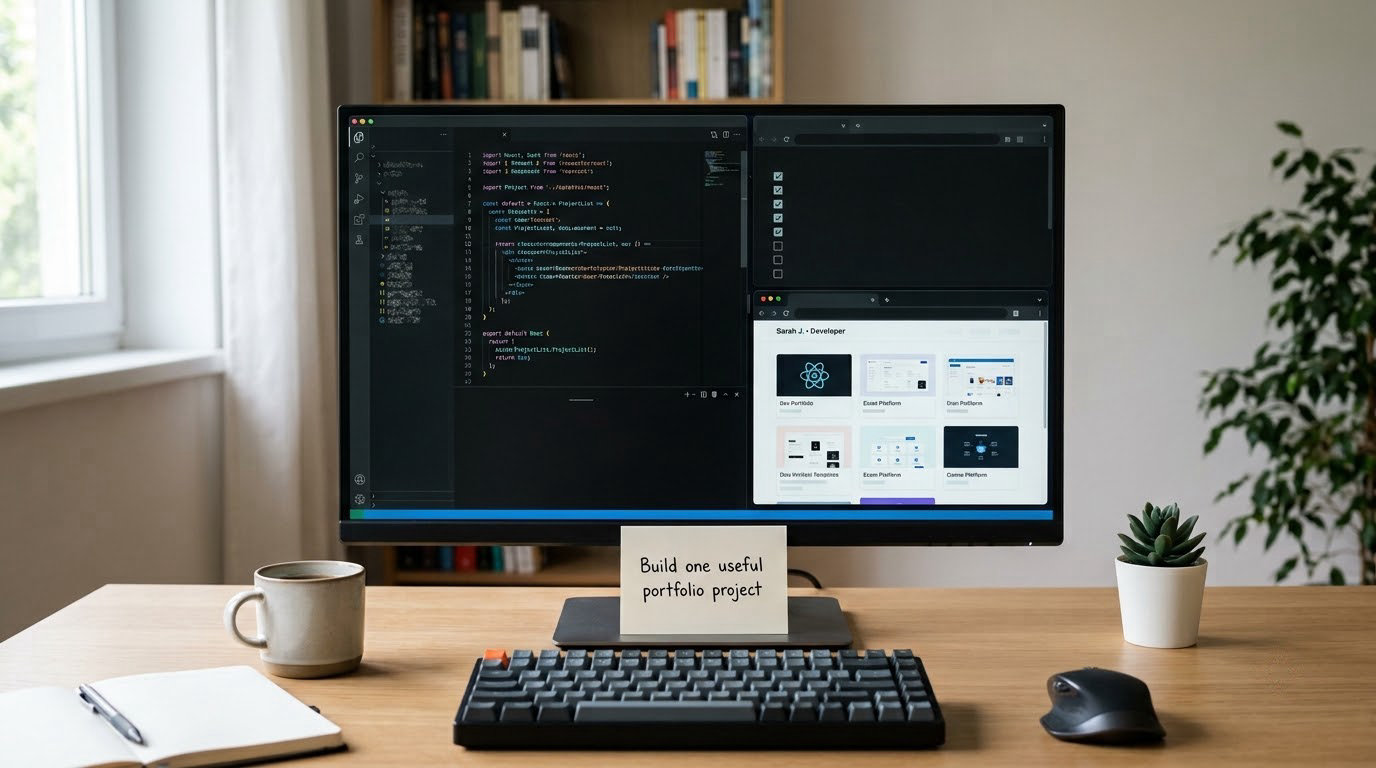
One finished project beats twelve tutorials. Choose something with a clear goal that you would actually use: a budget tracker, a weather dashboard, a script that renames a folder of photos (useful enough that we wrote up how to organize thousands of photos on your computer), or a small automation that emails you a weekly summary.
Plan it in writing before you write code. Write one paragraph on the goal, list the features, and break the list into tasks of under a day each. Put that task list in the repository, then tick items off as you go. This is also the exact structure interviewers ask you to walk through, so write it down while it is fresh.
Build in slices that each run. Get one feature working end to end before starting the next, and commit after each one so you always have a working version to return to. When something breaks at step seven, the last commit tells you exactly what changed.
Test it the way a user would, including the awkward input. Then publish it so someone else can open it, and write the README with screenshots, setup steps, and an honest note about what is unfinished. A deployed link in a public repository does more for you than any certificate.
Writing a short post about the project afterwards is worth an hour. It forces you to explain your decisions in plain words, which is exactly what a technical interview tests, and setting up a simple site to host it takes an afternoon. Our walkthrough on how to start a blog and publish your first post covers the basics if you have never run a site.
Create a consistent practice routine
Consistency beats intensity, and self-taught developers say this more than any other tip. One focused hour every day for six months puts roughly 180 hours into your hands, which is a real body of work. Six hours on Sunday and nothing else is a different six months entirely.
A schedule that survives a full-time job looks like this: four weekday sessions of 45 to 60 minutes, one longer weekend block for the current project, and one short review on Friday. In the weekday sessions you learn or debug. In the weekend block you build.
Use spaced repetition for the parts you will forget: revisit a concept a week later and rewrite it from memory, then again a month later. Deliberate practice matters too, so spend some sessions on problems with no tutorial, even small ones.
Do a monthly review of twenty minutes. Look at your repositories, count your commits, read the oldest project, and write three sentences on what got easier. That review is the antidote to the feeling that you are going nowhere, because beginners improve in ways that are invisible week to week.
Stop comparing your week one to someone else’s year five. On social platforms the finished projects get posted and the six hours of debugging never do, so the picture you are comparing yourself against is edited.
Know when you are ready to learn more
You are not ready when a course tells you the end of module four. You are ready when you can read an error message and find the cause without panicking, finish a small project nobody helped you with, explain why you wrote something the way you did, and find your own answer in official documentation.
That last one is the real marker. The job involves reading documentation you have never seen before, and self-taught developers who get hired tend to be the ones who got comfortable with unknown answers early.
When those signs show up, move to the next layer: data structures and algorithms, SQL and databases, an API, and a framework on top of your base language. Expect this phase to feel slower than the first, because the material is genuinely harder, not because you failed at it.
Learning coding is not linear and it is not gated by a qualification. Plenty of working developers are still learning the same concepts you are learning now.
Common Mistakes
Almost every beginner who quits made at least one of these mistakes. They are easy to spot from the outside and easy to fix.
Switching languages before you finish the first one
Learning JavaScript, then Python, then Rust, then React feels like progress because each new tutorial is exciting at minute ten. It is not. The fix is a hard rule: one language until you have built three projects in it, then move on deliberately.
Collecting courses instead of practising
This is tutorial hell, and it is the most common way a self-taught path dies. If your browser history is mostly video platforms and none of your repositories have been updated in a month, stop watching. Fix: after every lesson, close the tab and write something with the idea, however small.
Skipping debugging practice
Beginners often run broken code, see red text, and rewrite the file hoping for a different result. That trains nothing. Fix: read the error, state what you expected, state what happened, form one guess, and test it. Twenty minutes of that beats twenty rewrites.
Copying code without understanding it
Paste solutions from an answer site and the project works. You learned nothing, and the interview will expose it in about ten minutes. Fix: after pasting, delete it and retype from memory, then change one thing and predict the result.
Avoiding Git until a project breaks
Losing a week of work to one bad edit is the version control lesson nobody plans. Committing takes one line and makes recovery free. Set up the repository on day one, even for the calculator.
Starting with an ambitious first project
A social network with authentication, chat, and notifications is a year of work for a beginner. The fix is a project with one user, one screen, and one job. Finish something boring and small, then grow it, and keep a personal changelog of the bugs you solved for interviews.
Isolating yourself
Solo study is where people quietly stall for months. A Discord server, a local meetup, or a study partner gives you someone to explain a problem to, and explaining is the fastest way to find the gap in your own understanding. The r/learnprogramming and r/selftaughtdev communities are both active with people at your exact stage.
Practising burnout
Learning for two hours every night after a full day of work fails for most people, and then they conclude they have no talent. Schedule rest in advance the same way you schedule study, and take a real day off each week. Progress survives gaps; exhaustion does not.
Two habits cover most of the rest. Track finished work, not hours, so you can see real output. And get your work in front of people early, whether that is a friend, a code review thread, or a small freelance task, because feedback compresses months of slow learning into a week.
Frequently Asked Questions
Can I learn coding without a degree and still get a software job?
Yes. Plenty of working developers have no degree at all. What matters is a public portfolio that runs, a resume written around projects instead of credentials, and enough fundamentals to pass a technical screen. Large companies and banks often filter on degree automatically, so focus your search on startups, agencies, and midsize firms, where a working repository gets read by a human.
Which programming language should I learn first as a complete beginner?
Python is the most common starting point because its syntax is short and its error messages are forgiving, and it leads to automation, data, and backend work. JavaScript is the better first choice if you want to build websites, since it runs in the browser with no setup. HTML and CSS make a good weekend first taste. Whatever you pick, stay with it for three months.
How many hours a week do I need to learn coding on my own?
Five to ten focused hours a week is the sweet spot for most beginners, usually four short weekday sessions and one longer weekend block. Around 180 hours over six months is a realistic amount of practice. Under five hours a week stretches timelines badly, and over fifteen often leads to burnout within two months. Consistency across months matters far more than long single sessions.
Are free coding resources enough to become a developer?
Free materials are enough to reach junior-level competence. freeCodeCamp gives a structured, certification-style path, The Odin Project is a full web development curriculum that emphasises building, and CS50 from Harvard covers computer science fundamentals for free. You will pay for yourself in books, a decent microphone for interviews, and occasional conference travel. Consider paid options only when you need accountability or structured feedback.
How long does it take to learn coding without attending university?
Expect 6 to 18 months of consistent part-time study to reach a junior-level job, with the honest range depending on hours per week and whether you build real projects. People cite around six months for a focused web path, while a slower ten hours a week can take a year. Treat any promise of a job in 30 days as marketing, not a plan.
Should I learn web development, Python, or mobile development first?
Start with web development if you want the fastest route to visible work and the widest pool of entry-level jobs. Choose Python if you are interested in data, automation, or scripting, and you do not have a specific job in mind. Mobile usually needs Java or Kotlin plus a framework, so it carries a longer runway and fewer junior openings. Decide on the destination before the language, not after.
Conclusion
Do one thing this week. Choose a single language, install VS Code, finish one beginner lesson, and build the smallest program that proves it works, then push it to GitHub with a README. That is the whole first milestone, and it is the same first milestone that everyone in this article had to clear.
A degree is a credential that a machine can read. A working repository, a documented project, and the ability to debug your own code are what a person reads, and on a hiring page they are the only two of those three things that exist. The path in this article is how you learn coding on your own without a degree, and the only part that cannot be skipped is showing up for it repeatedly.